Download

Merge PDF Software

Total Ratings:306- Average Rating:4.6 out of 5
Quickly combine multiple PDF files into a single PDF document
  • Merge PDFs without losing data integrity
  • Unable users to merge both locked and unlocked PDFs
  • Merge PDF files regardless of their size
  • Permit users to pick and merge PDFs of their choice
  • Merge those locked PDFs which passwords are known
  • A simple and interactive application to operate independently
  • A lightweight tool,doesn’t need installation of Adobe reader
Merge PDF

Merge PDF Program

Are you looking for a straightforward way to merge PDFs? You don't need to go far because the Merge PDF tool will help you out.It is an affordable and 100% safe application to install and merge PDFs effortlessly.

Merging PDFs is all about avoiding unnecessary data clutter. If you are a regular user of PDF file format,the tool will be value to money investment for you. It will make data merge task easy and fast.

Merge PDF application aims to target both types of users,personal and commercial. It is an advanced app that can merge data without losing single information. Users can able to use the application independently. It is a lightweight program.


Outstanding Key Features of PDF Merge Solution

Merge two,three,four,or more PDF files to get the best merge results

PDF is a portable document that is independent of application software,hardware,and operating systems. It has developed and operated by Adobe. Don’t go with its name portable because it allows users to created unlimited pages. Even 4000 pages are not big enough. If you have a large PDF files that you want to split,the tool can help you to do so.

    Merge PDFs at Fast Speed

    It is an advanced PDF merging software that saves merge operation by merging multiple PDFs by following a few simple clicks. Merging process is fast and accurate. The tool retains original structure of PDFs.

    Merge Multiple PDFs

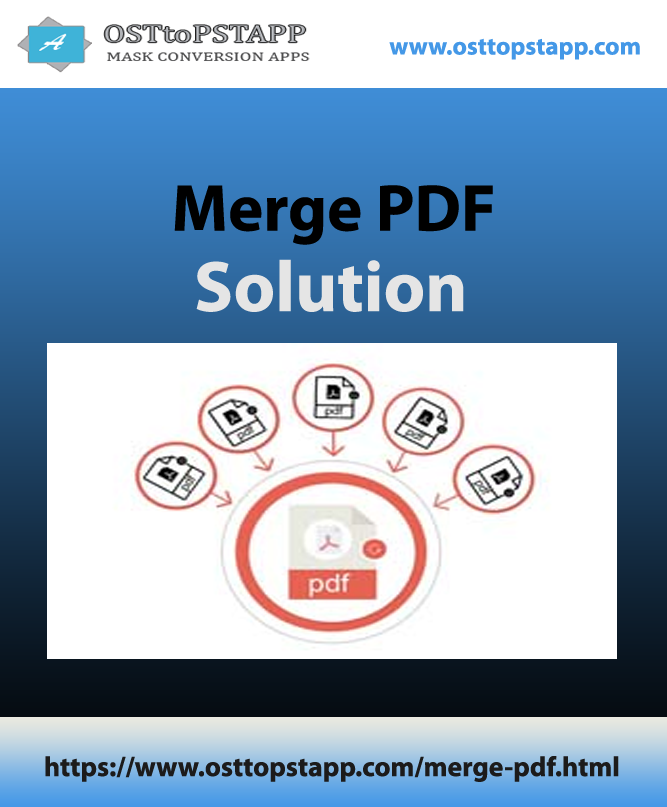
    The high end application permits users to select the number of PDF files that they want to merge together to create one big PDF. It can be two,three or more PDFs. You have complete freedom to merge PDFs.

    Merge locked PDFs

    The merge PDF app supports merging of locked PDF files for which the app needs correct password. Enter the correct password after installation of PDFs. It will unlock and merge the following PDFs.

Suitable for All Users

The PDF Merge app stands for quality and fast merging support. The utility can able to merge multiple PDFs without installation of Adobe Reader. It offers safe data merge assurance. While merging PDFs,no PDF file is corrupted or damaged. All text,images,graphs,table and chart are safely transferred to a new PDF file. Suitable Versions- Individual,Commercial

It is an advanced merge solution that users can install on their system to merge PDFs regardless of their versions. The utility supports all available versions PDFs. At the same time,it supports to merge both big and small PDF files. The only thing you need to make sure that the selected PDFs are accessible. Support Versions PDF 1.5,PDF 1.6,PDF 1.7,All latest PDF including 3.0.

Salient Key Features of PDF Merge Program

Support Merge of Multiple PDFs

The PDF Merge application supports to merge one or more than one PDF file together. Users have the flexibility to merge two,three,four,or more PDF files to create one strong PDF.

Save the Merged File Locally

The PDF Merger supports to save the merged PDF files to a local folder. The location of the new PDF file is decided by users. It can by any appropriate drive and folder.

Merge Locked PDF Files

If you are looking to merge locked PDF files,the tool will help you out. For which,you need to enter the correct password of the required PDFs. The tool unlocks the targeted PDFs to merge them.

Unlock PDFs to Copy,Edit & Print

The newly created PDF file is now ready to make changes according to your desire. It can be edited,printed,and copied. The tool gives users access to the resultant PDF effortlessly.

An Interactive Application

It is a user-friendly application that doesn’t demand technical knowledge to operate the tool. One trail of the application would be enough to get command over it. Even a novice can operate the tool.

Safe to Use

It is a reliable solution that users can rely on to merge a number of PDFs together. It retains content structure. All PDF components are extracted including text,images,graphics,and chart.

Software Specification

Software Information

SOFTWARE NAME:Merge PDF
VERSION:5.0
FILE SIZE:50.5 MB (Approximate)
OPERATING SYSTEM:Windows 11,10,8.1,8,7 & Other

Compatibility & Format

OUTPUT FORMATS:PDF
OPERATIONS:Convert,Preview,Export,Save
LICENSE:SHAREWARE
LANGUAGE:English
TRIAL LIMITATIONS:Preview and Export 25 items

System Requirements

PROCESSOR:Any Pentium Class
RAM:512 MB Minimum
HARD DISK:100 MB free space
SOFTWARE DELIVERY:Electronic - Via Email (15 Minutes)
SUPPORT OPTION:Emails,Chat & Skype

FAQs on PDF Merge Solution

Download the program to launch

  • Select the PDFs by file or by folder
  • Select the output location
  • Finally,click on the Merge Now tab

No,you don’t. It is a standalone application,doesn’t need installation of adobe reader any other apps.

It depends on you. If you are looking to merge two PDFs,you can. If you want to merge ten PDFs,you can by using the app.

It can merge PDFs of known password. If you want to unlock a PDF tool,you can use our PDF unlock application.

Validity of the application is for a lifetime. It has no expiry. Users can upgrade the tool from us.

Our Prestigious Clients

Capegemini
Dell
Disnep
Hitachi
Oracle
Panasonic
Standford
Vodafone
Capegemini
Dell
Disnep
Hitachi
Oracle
Panasonic
Standford
Vodafone

Testimonials

My experience with a free PDF tool was so bad. I welcomed viruses on my system. It was terrible. But this PDF Merge app is my best met. I have overcome with the issue of data clutter.

JT
Joseph Ten,Australia

Our company shares data in PDF file format because of its flexibility. We have a heap of PDF files. Many of them are of the same category that we want to merge. We cannot trust a free tool,but your app has turned out to be a great helper. We managed to merge more than a thousand PDFs.

BK
Balog Katalin,Hungary

A cool app for getting the best merge results without losing single info. Thank you for your prompt service as well.

DW
Daniel A. Wall,USA